CAN BIM 360 DATA PREDICT YOUR NEXT BIG MARKETING WIN?
"Architecture & Design Principles BIM 360 is multi-tenant and service-oriented. Project data (documents, models, issues, assets, RFIs) lives in a structure..."
TYPE
COLLABORATION
POWER
+9999
RARITY
★★★★★
DATE
FEB 5
⚡Blueprints That Sync Themselves: Under the Hood of BIM 360’s Real-Time Build Brain
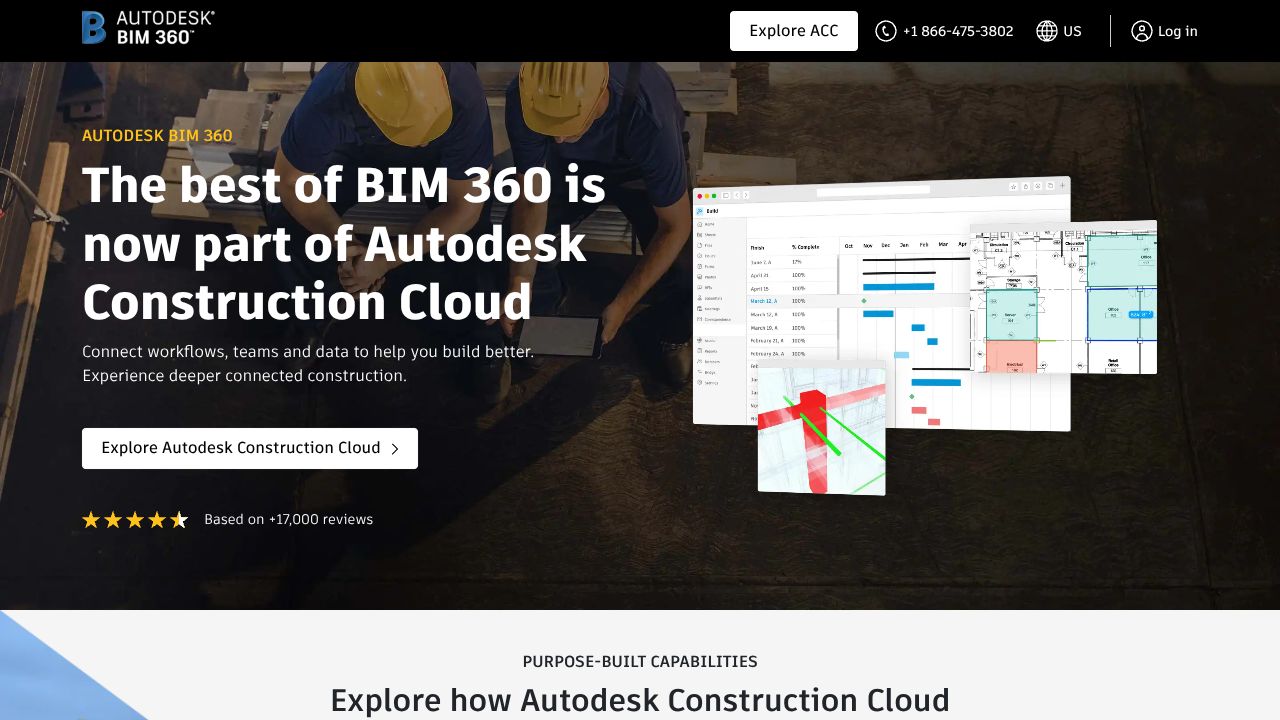
Ever lost a week to “Which version are we even looking at?” while a change order quietly nuked your margin? Same. BIM 360 is Autodesk’s cloud-native CDE that keeps design, coordination, and field ops stitched together so models move—not just files. Underneath the glossy dashboards, it leans on Autodesk Platform Services (formerly Forge) for model translation, viewing, and permissions; Revit Cloud Worksharing for element-level collaboration; and a microservices backbone that scales across massive, multi-firm projects. The design philosophy is brutally pragmatic: centralize data, version everything immutably, and automate the boring-but-deadly steps (transmittals, approvals, clash matrices). Hot take: as “Yeti-Sized Guides” go, BIM 360 is less a tool and more a rules engine for how serious AEC teams actually work at scale.
⚡Architecture & Design Principles
BIM 360 is multi-tenant and service-oriented. Project data (documents, models, issues, assets, RFIs) lives in a structured store with immutable versioning and audit trails. Models flow through a translation pipeline (Model Derivative API) that converts RVT/DWG into a web-streamable format for the viewer; geometry is loaded progressively with level-of-detail controls. Revit Cloud Worksharing handles central model state via element locking and delta sync, avoiding full-file shuttling. Permissions are hierarchical: account > project > folder > document, with granular roles and company-level scoping for cross-org collaboration.
Scalability comes from stateless services behind a CDN, region-based hosting for latency reduction, and queued background jobs for heavy tasks (coordination scans, large model translations). The Desktop Connector maps Autodesk Docs as a local drive for legacy workflows, while ACC Data Connector (export) feeds analytics stacks. The guiding principle: keep “source of truth” centralized, make access ubiquitous, and never break the chain of custody on model decisions.
⚡Feature Breakdown
Core Capabilities
- →
Real-time model collaboration and clash detection:
Technically, Revit Cloud Worksharing uses element-level locks and delta packets to keep teams from stomping each other’s edits. The Model Coordination service automates aggregated model federation and runs rules-based clash checks on publish, generating issue objects with locations tied to the geometry. Use case: weekly coordination meetings become “filter the clash set by discipline, auto-assign, and track closure,” not “screen-share whack‑a‑mole.” - →
Autodesk Docs as a true CDE:
Docs provides versioned storage, structured permissions, transmittals, and review workflows. Every upload spawns a new immutable version; markups and comments attach to that version, preserving decision history. Use case: submittal review—spec PDFs route through a multi-step approval path with stamps, while linked model sheets stay in lockstep so field crews aren’t building off stale info. - →
Field management and quality/safety:
Mobile apps cache checklists offline, capture photos, and pin issues to coordinates or model elements. Assets carry lifecycle states (installed, inspected, commissioned) with QR code scanning to speed traceability. Use case: punch lists close faster because foremen scan an asset, see open issues, and attach fix evidence that syncs back to the model context when they hit coverage again.
Integration Ecosystem
APIs are OAuth 2.0-based via Autodesk Platform Services: Data Management (projects/folders/versions), Model Derivative (viewables/metadata), Issues, and Webhooks for events like version created, issue updated, or transmittal sent. The Viewer SDK exposes geometry, properties, and custom overlays—handy for building internal dashboards. Native integrations (Revit, AutoCAD, Navisworks) handle direct publish/consume, while Desktop Connector bridges legacy file workflows. Data export via connectors fuels Power BI/Snowflake pipelines for portfolio analytics.
Security & Compliance
Data is encrypted in transit (TLS 1.2+) and at rest (AES-256). SSO via SAML 2.0 and enforced 2FA support enterprise policies. Role-based access controls, audit logs, and immutable version histories meet typical AEC compliance expectations; Autodesk maintains industry-standard certifications like SOC 2 Type II and ISO 27001, with GDPR-aligned processing and regional hosting options for data residency. Admins can scope permissions at company, project, and folder levels to satisfy joint-venture governance.
⚡Performance Considerations
Large models are streamed with progressive meshes and level-of-detail to keep viewer FPS sane; metadata queries are lazy-loaded. Coordination jobs run asynchronously to avoid blocking user sessions. Revit deltas minimize network overhead but still benefit from low-latency links; plan for QoS on jobsite Wi‑Fi. Tip from my workflow: preload critical models to tablets over wired office networks—offline field use becomes “buttery” instead of “buffering.”
⚡How It Compares Technically
While RedTeam excels at contractor-first project management (cost control, change orders, subcontracts) with a lighter learning curve, BIM 360 is better suited for BIM-centric teams needing native Revit sync, automated coordination, and a rigorous CDE. If your projects don’t hinge on 3D coordination, RedTeam might be faster to roll out and clearer on pricing.
Bitrix24 wins on CRM, AI tasking, and sales ops automations—great for front-of-house workflows—but it can’t touch BIM 360’s model pipeline, clash engine, or AEC-specific permissions. Meanwhile, Endlesss nails low-latency creative collaboration for music; clever architecture, totally different data model. BIM 360’s superpower is domain-native interoperability with Revit, AutoCAD, Navisworks, and Advance Steel.
⚡Developer Experience
Docs are mature, with SDKs for Node.js, .NET, and Python plus plenty of Viewer samples. Webhooks are reliable, though some endpoints live under legacy “BIM 360” namespaces while newer ones move under Autodesk Construction Cloud—mind the scopes. Rate limits are reasonable for backend services; aggressive polling is still a bad idea (use webhooks). Community support is active, and example apps cover common integrations (issue sync, custom dashboards, automated transmittals).
⚡Technical Verdict
BIM 360’s strengths: model-native collaboration, automated coordination, and a disciplined CDE that reduces rework. Limitations: module licensing can be opaque, admin complexity across multi-firm projects, and a learning curve for non-BIM users. Ideal for architects, engineers, and contractors running complex design-build where Revit is the heartbeat and model fidelity equals money. If your mandate is “Massive Wins” via fewer clashes, faster approvals, and cleaner handover data, BIM 360 delivers. As I tell clients in our Scale Stories briefs: invest in the data backbone first—the growth “Resources” and ROI stack themselves when every decision traces back to a single source of truth.
QUEST OBJECTIVE
BIM 360